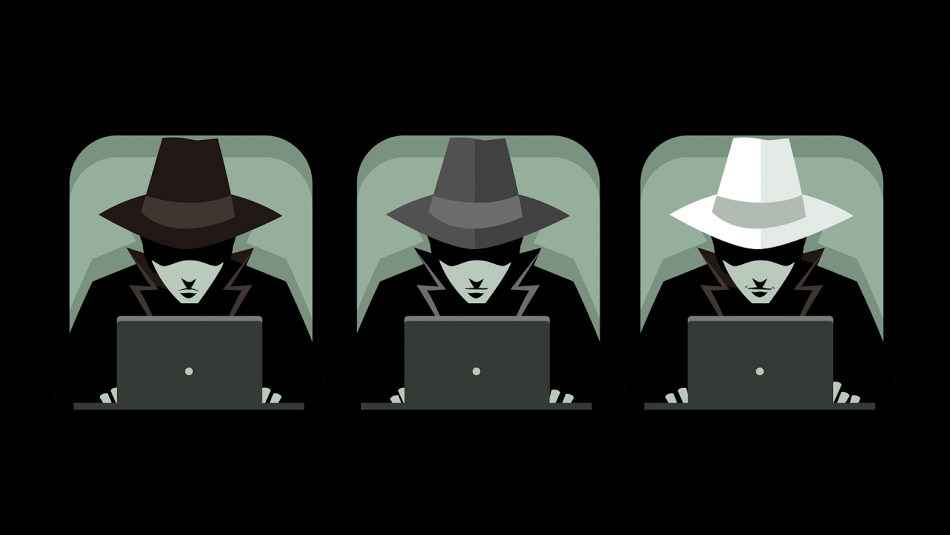
The following recommendations — it serves as a good protection against hacker attacks even for an ordinary user.
- Constantly update systems and applications — if you don't update your operating system, browser and software, vulnerabilities will remain.
- Use strong, unique passwords; Have a separate password for each service.
- Use Password manager — helps you create and store passwords securely.
- Enable two-factor authentication (2FA) everywhere.
- Click on suspicious links, do not open files — phishing and malicious files are the most common attack methods.
- Be careful on public Wi-Fi — Do not use VPN or conduct financial transactions on open networks.
- Enable monitoring to detect damage — banking, email and social media notifications.
- Make regular backups and keep at least one copy offline/encrypted.
- Install antivirus and firewall and run scans regularly.
- Restrict administrator rights — use a normal user account for continuous operation.
- Check mobile app permissions — Remove unnecessary permission applications.
- Be careful with USB and external devices — connect unknown devices to the computer.
- Limit personal information — do not post excessive information on social networks.
- IoT (home appliances) Change passwords and disconnect if needed.
Disconnect the device from the internet.
Change passwords head-to-head (from a clean device first).
Notify the bank and essential services immediately.
Remove harmful files and seek professional help.
Report the incident to official organizations (bank, police)