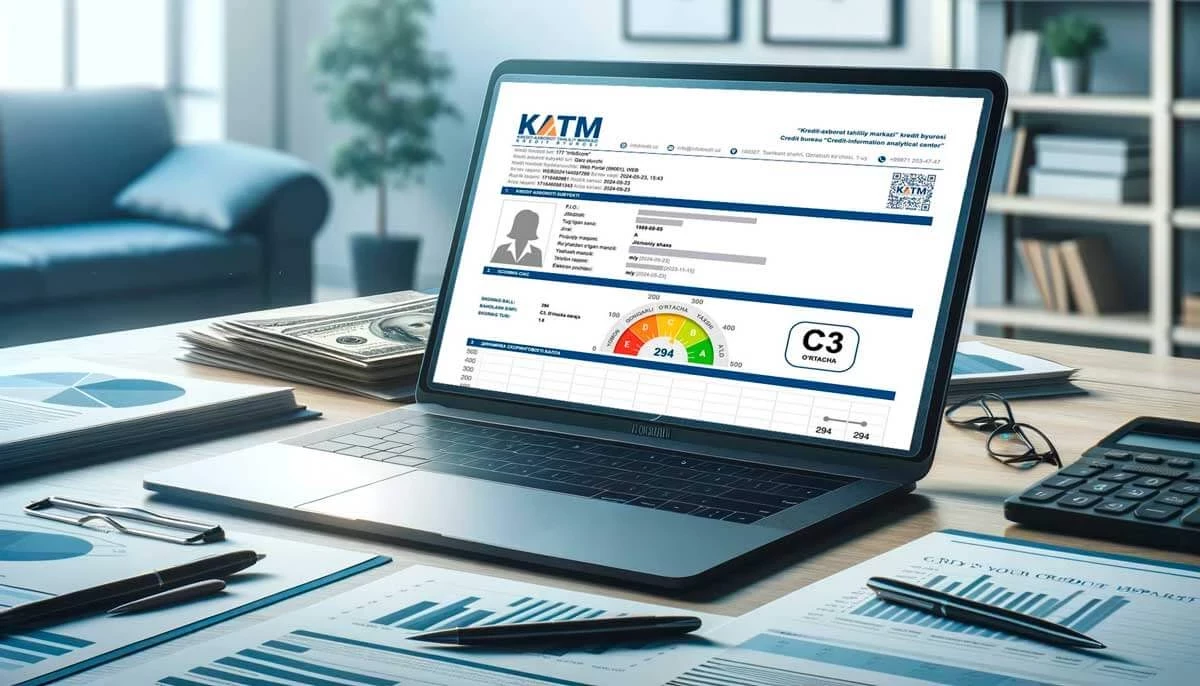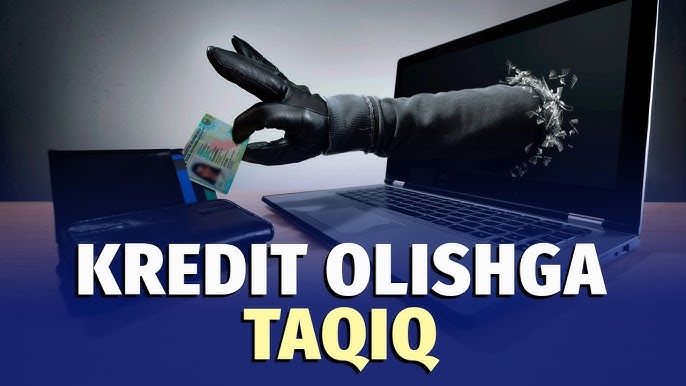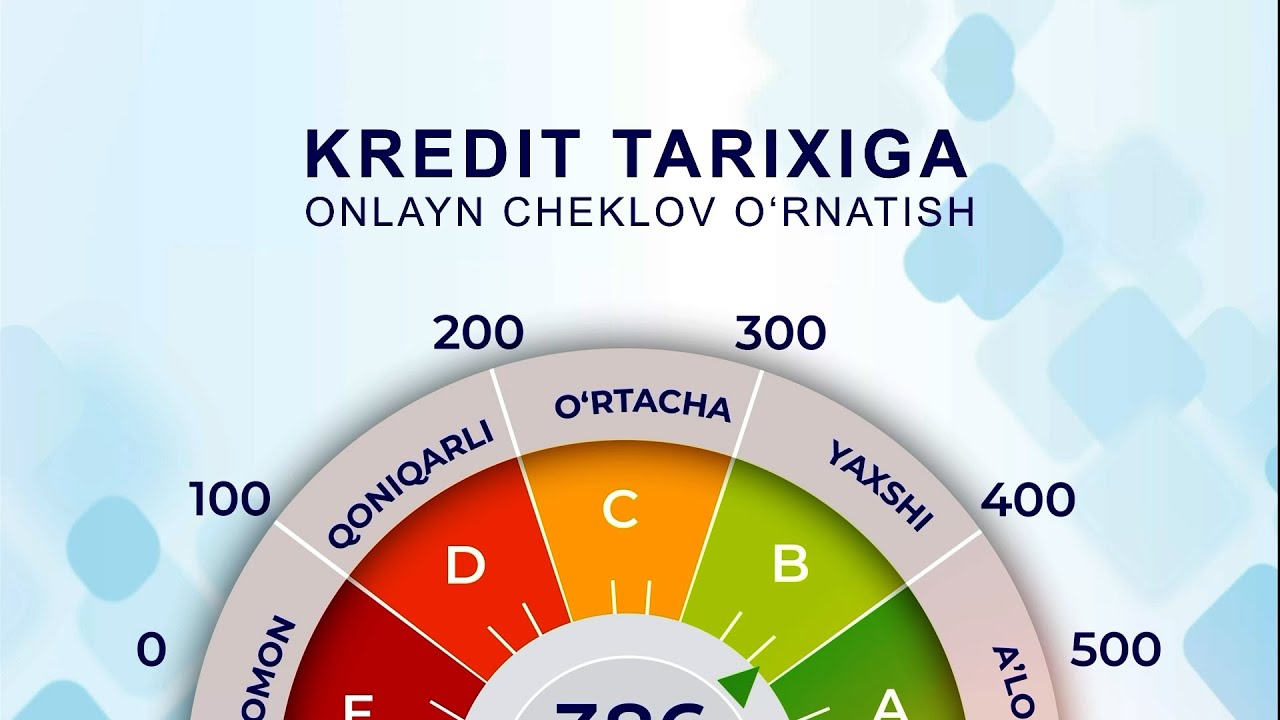
Online credit history restriction — this is a temporary “freeze” so that your credit history (credit information) is not automatically obtained by others. or restriction service. This service acts as a protection in case fraudsters or unknown persons try to issue an online loan in your name.
How to — main steps:
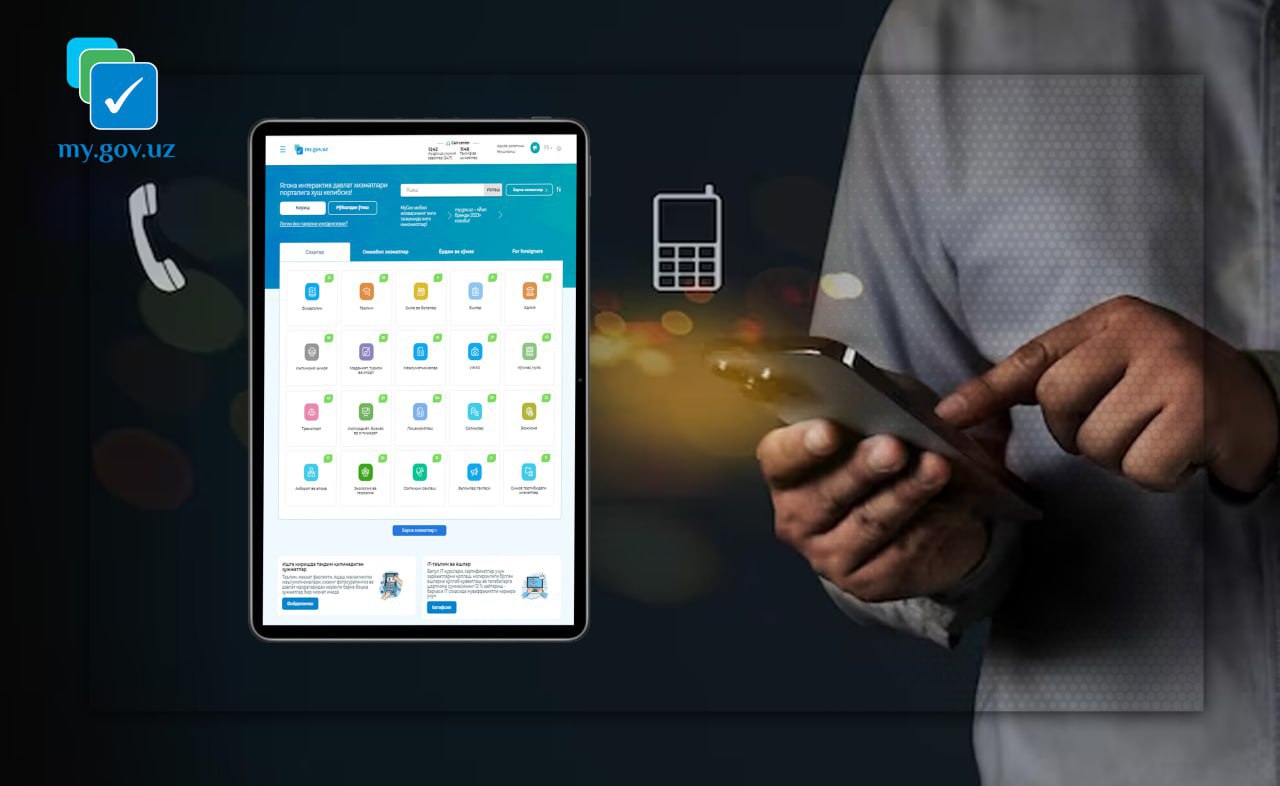
Enter or register on the portal of the single interactive state services (my.gov.uz).
“Set a limit on taking credit history” select the service and enter the necessary information (SSHSH, phone, etc.). The service may require enabling the SMS notification service.
Make a payment to activate the service — in some cases, the service may be paid (for example, there are fixed fees for the Freeze service).
Once the restriction is activated, credit bureaus and credit organizations will not be able to inquire about your credit history online — in this way, unpleasant credit transactions are prevented.
Important notes and tips:
Before you set a restriction, know why and when to open/enable it — if you are planning to get a loan yourself, you will need to temporarily remove the restriction.
The process and cost of enabling/disabling the limit depends on the terms of service on the portal, so always refer to the official instructions on my.gov.uz or infokredit portal.
If a suspicious situation — If you discover identity theft or fraud, immediately notify your bank and credit institution and take steps to protect your documents.
Short recommendation!
“Control your credit history — if necessary, set an online limit!”
“If in doubt — via my.gov.uz ‘Restriction on obtaining credit history’ use the service.”
VIDEO LESSON